

| Product Showcase | Content |
|---|---|
| Product Name | Weighing Indicator PC Data Transfer Software |
| Product Image | 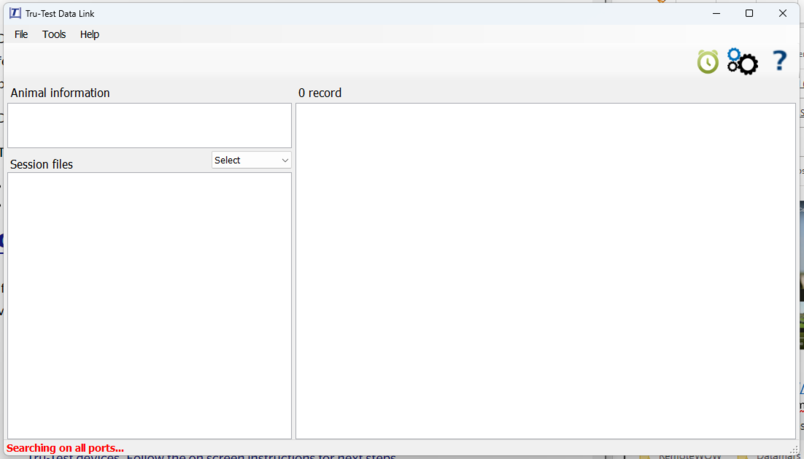 |
| Product Overview | This PC-based data transfer solution provides a practical link between compatible livestock weighing indicators and farm office records. It helps operators retrieve weighing sessions, retain local copies and prepare animal weight data for spreadsheet review or transfer to a suitable management system. For commercial pig farms, it can support record handling across weighing points in handling areas, sorting facilities and livestock buildings. The available functions depend on the indicator model and the agreed software configuration. |
| Key Features |
|
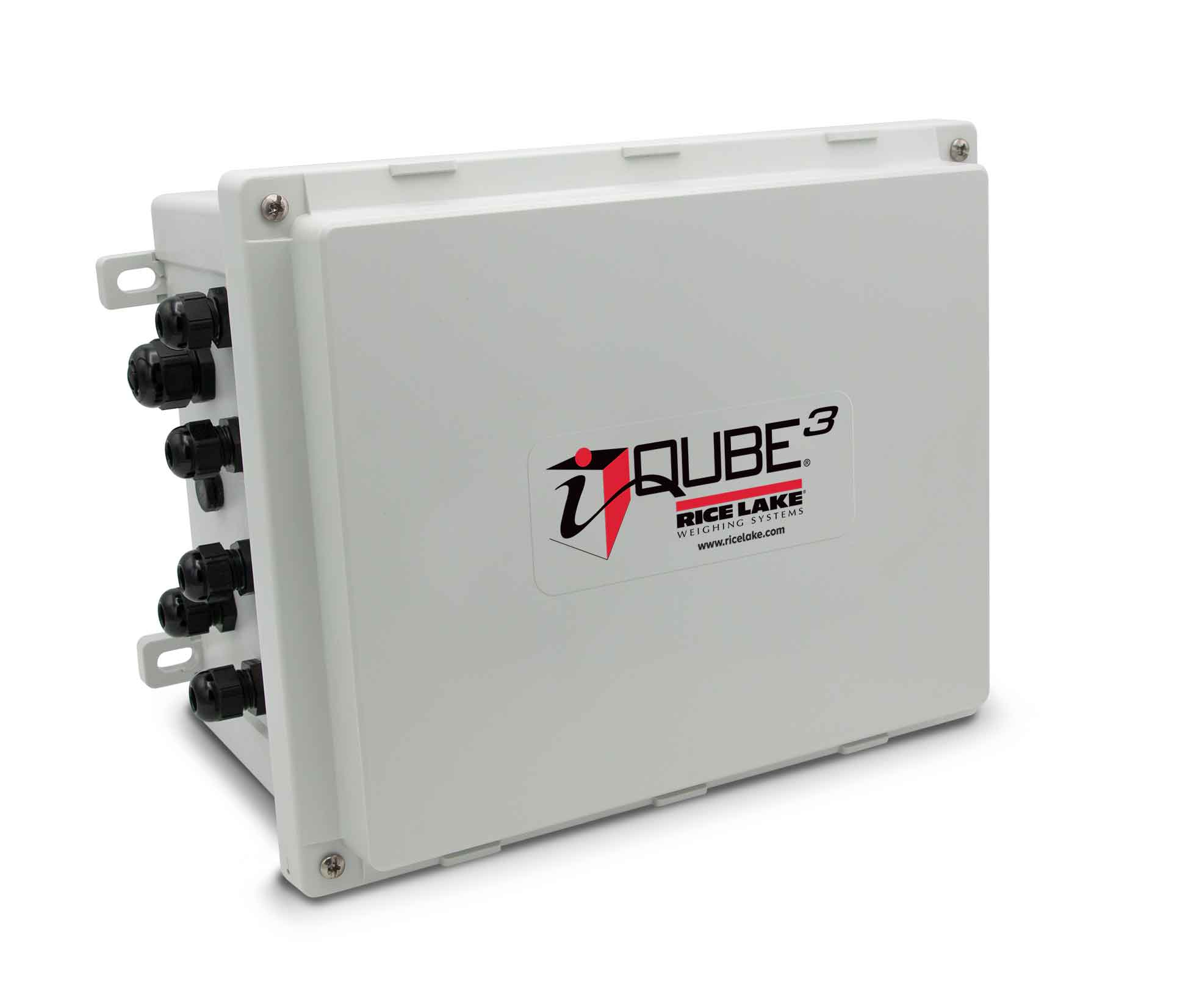
| System Components | A typical deployment consists of the PC application, a compatible weighing indicator, the appropriate connection cable or interface, and a designated location for exported records. The indicator, load cells, livestock scale platform and any EID reader are separate equipment unless included in the project scope. |
| Working Principle | The weighing indicator records animal weights during a weighing session. After the indicator is connected to the PC through its supported interface, the application reads the available session data and saves the selected records to the computer. Farm staff can then check identifiers, dates and weights before using the files in their reporting or livestock management workflow. |
| Technical Specifications |
|
| Applications | Suitable for commercial pig farms, livestock breeding units, cattle handling facilities and agricultural projects that need to move recorded weights from an indicator to an office PC. Typical uses include batch weighing reviews, individual animal record preparation, growth tracking and routine backup of weighing sessions. |
| Customization Options | Indicator compatibility, record fields, export workflow and integration requirements can be reviewed according to project requirements. For a new pig farm construction or steel structure livestock building project, the weighing point, cable route and office workstation can be planned alongside the scale platform and animal handling layout. |
| Installation & Maintenance | Confirm the indicator model, PC requirements and connection interface before installation. Install the supplied application, connect the indicator using the specified interface, and test a sample session transfer before routine use. Keep backup copies of exported records and follow the software provider's instructions for updates and device maintenance. Place the office PC in a suitable environment away from washdown areas. |
| Product FAQ |
Can the software connect to any weighing indicator? Can animal IDs be transferred with weights? Is an internet connection required for every transfer? |
| Product Gallery |
|
- Home
-
Products
- Pig Farming Equipment
- Cattle Farming Equipment
- Sheep & Goat Farming Equipment
- Poultry Farming Equipment
- Feeding & Drinking Systems
- Veterinary & Breeding Equipment
- Testing & Diagnostic Equipment
- Cleaning & Biosecurity Equipment
- Climate Control Equipment
- Livestock Weighing Equipment
- Manure & Waste Management
- Farm Transport & Handling
-
Solutions
- Pig Farm Solutions
- Dairy Farm Solutions
- Beef Cattle Farm Solutions
- Sheep & Goat Farm Solutions
- Layer Farm Solutions
- Broiler Farm Solutions
- Feeding & Drinking System Solutions
- Climate Control Solutions
- Biosecurity & Disinfection Solutions
- Manure & Waste Management
- Smart Farming Solutions
- Farm Renovation and Upgrade Solutions
- Partners
- Projects
- Resources
- News
- About Us
- Contact


Comments & Inquiries
Leave your questions or requirements below. We will reply as soon as possible.